That's some epic Atoi/Iota decorating there Live

. With Sharefactory vids, once you've made them and compiled them (that's not the word in the app, can't think of the exact word right now, if that's not enough of a clue let me know and I'll find out the proper word/process later

), you can go into your videos and screenshots on the PS4 (you can get to them through your profile, or an option on the dynamic menu, again can't remember the name - off to the old people's home for me!), and then go to Sharefactory, and find the vid (it'll be a long name full of numbers - you can press the options button on the vid, then select info, and rename it
). Pressing the options button will also give you an option to export to USB
.


 1
1

 .
.










 .
. Aromaci, on 20 May 2014 - 10:41 AM, said:




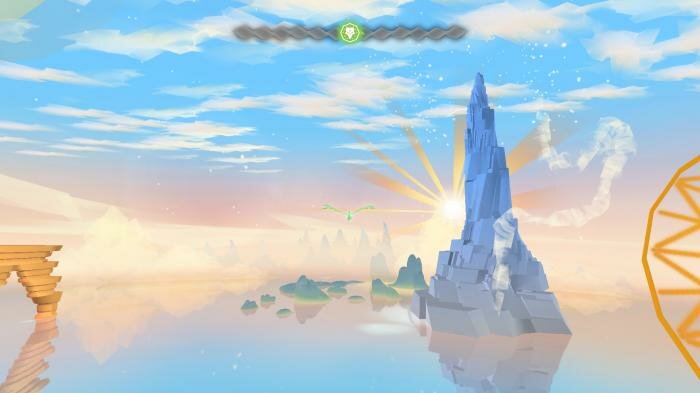







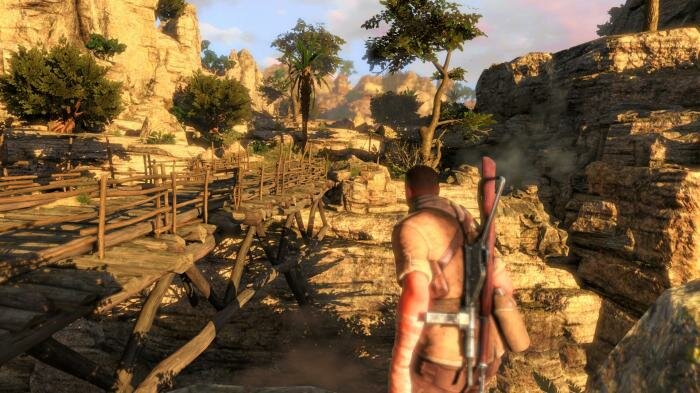
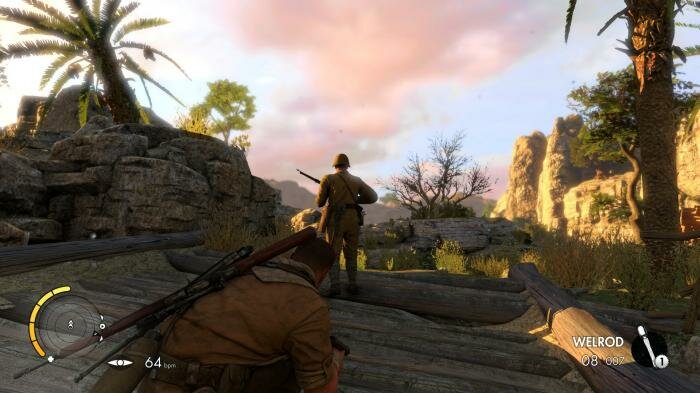
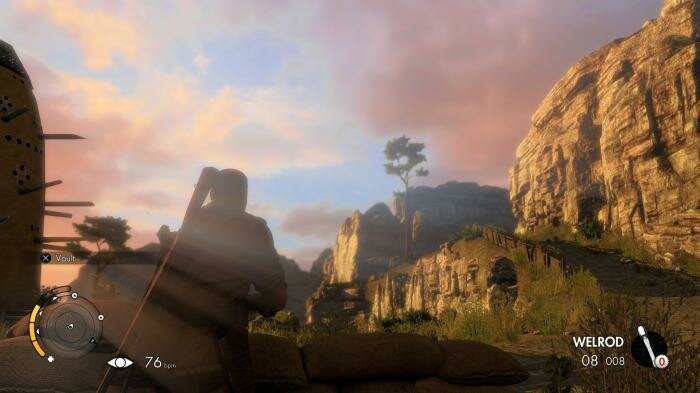





 " );
_last = ipsLightbox.lightboxImage.src;
}
}
/* Check for init and then keep checking for new image */
_to = setTimeout( "gbl_addDownloadButton()", 1000 );
}
//]]>
" );
_last = ipsLightbox.lightboxImage.src;
}
}
/* Check for init and then keep checking for new image */
_to = setTimeout( "gbl_addDownloadButton()", 1000 );
}
//]]>